Affiliate Cabinet - Billing
In this guide, we'll explore the essential billing features available in your affiliate cabinet. Managing your billing details is key to ensuring smooth transactions and timely payments, so we’ll walk you through how to edit your billing information for invoices, add and update payment methods, request withdrawals, and download invoices with ease. Whether you're setting up your billing for the first time or looking to make adjustments, this article will help you navigate each step to keep your account organized and up-to-date.
Billing Section
To access this section, click on the "Billing" tab in the side menu. The page is organized into four main blocks:
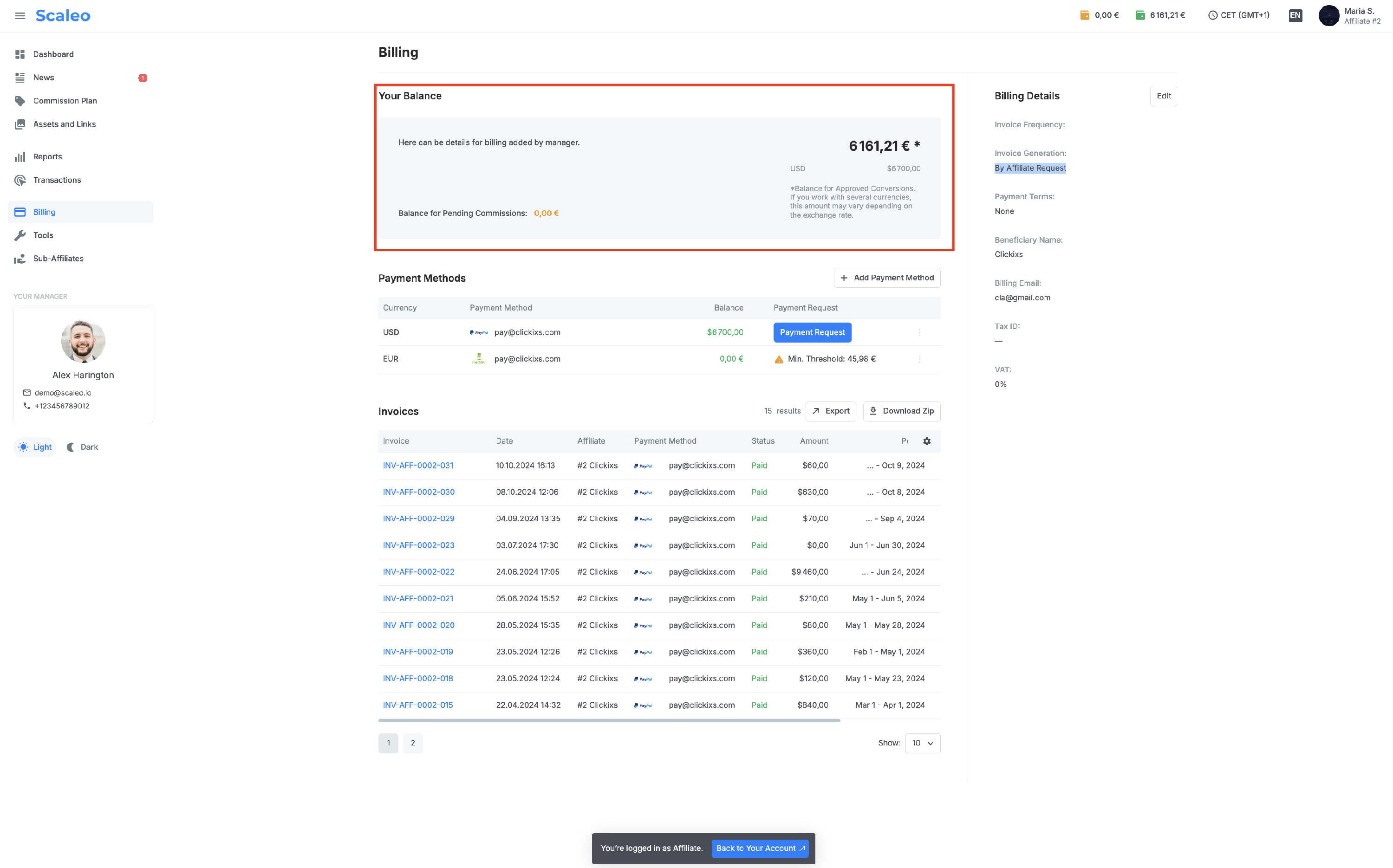
Your Balance – This section provides additional information added by management, such as specific payout rules or guidelines on filling out certain payment methods. It displays the total confirmed balance available for withdrawal in the platform’s primary currency, along with separate balances in other currencies based on the affiliate’s promoted offers. The confirmed balance is the amount available for withdrawal. Additionally, information on pending conversions and commissions may be displayed here. Note that pending conversions are informational only and are not available for withdrawal until management confirms them.
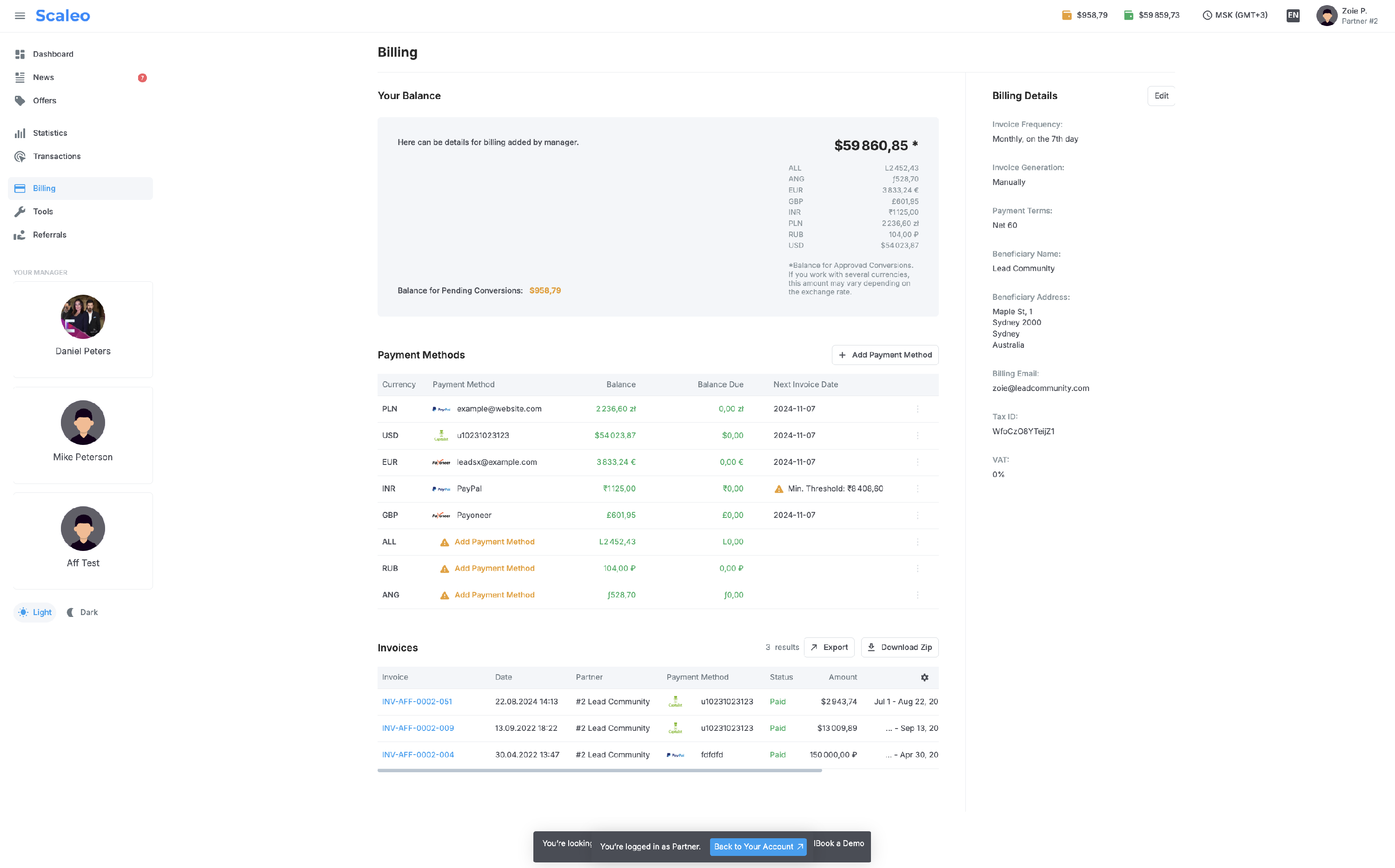
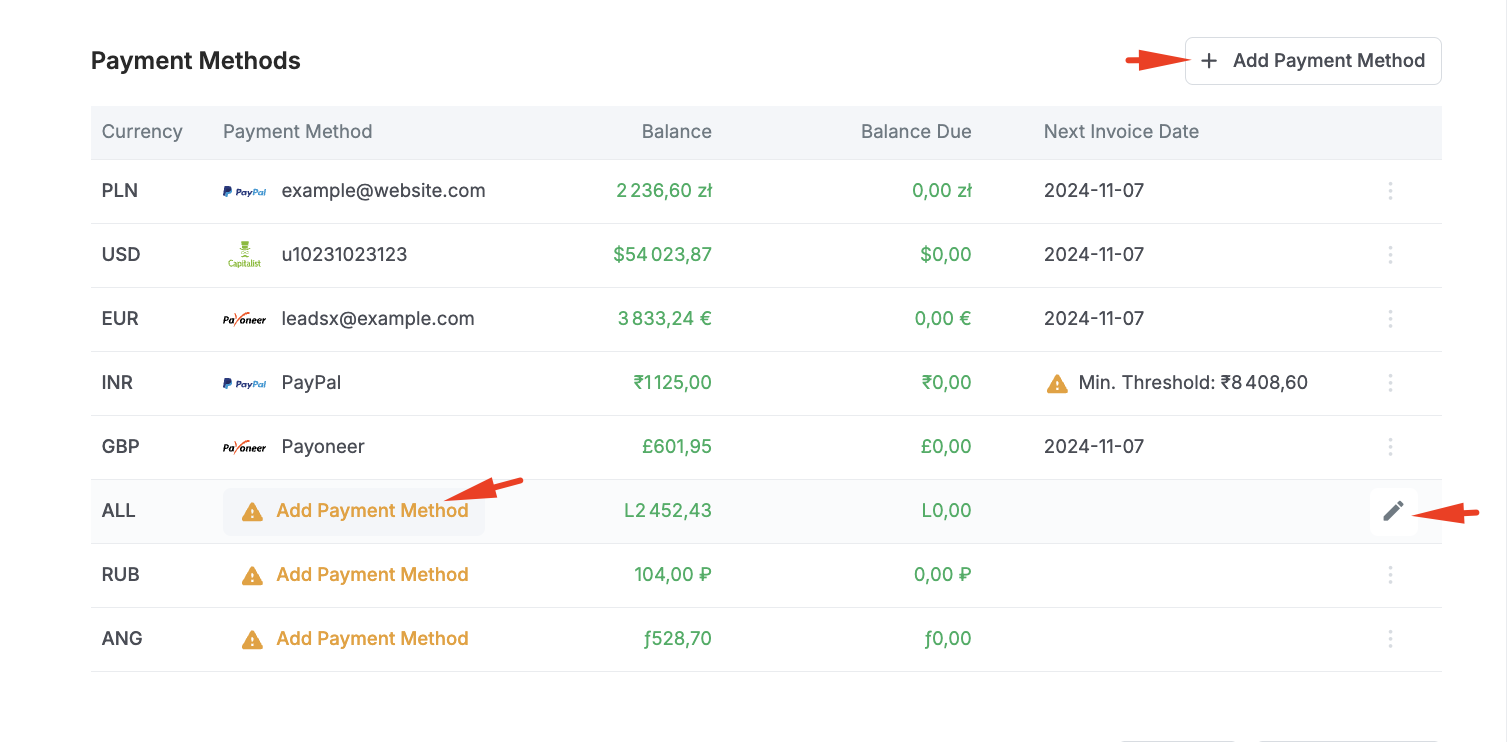
Payment Methods – This block contains information on the affiliate’s payment methods. Affiliates can add payment details themselves by clicking "Add Payment Method". Only one payment method can be added per currency. Currency conversions between balances are not supported; for instance, a balance in USD cannot be converted to EUR and vice versa. Each currency requires its own payment method, and invoices are generated in a single currency only. Additionally, affiliates cannot generate a new invoice while any previous invoice remains in "Unpaid" status.

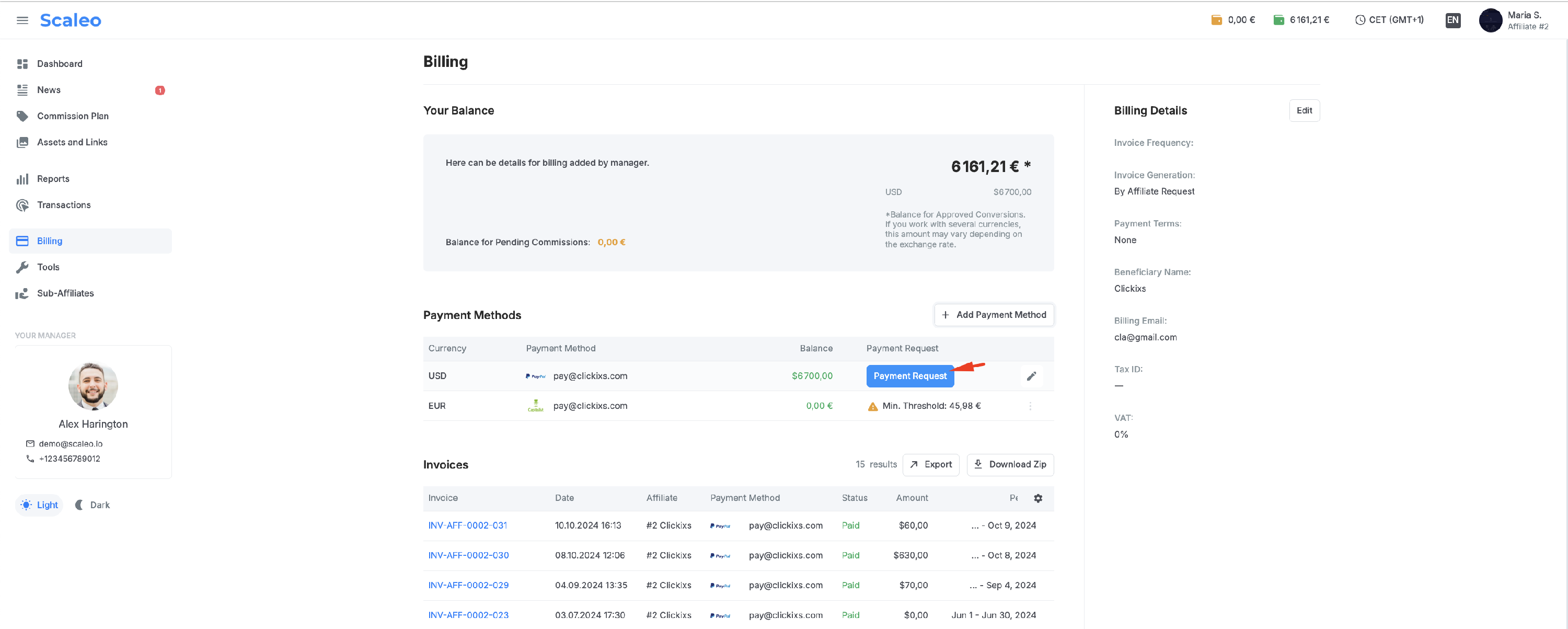
To generate an invoice and submit a withdrawal request, the affiliate needs to click on the "Payment Request" button and enter the amount. However, it’s essential to remember that the requested amount must always be a multiple of a conversion or a commission amount; it cannot be less than the payout amount for any individual conversion or commission.
For example, if an affiliate has four commissions of $4 each, totaling $16 available for withdrawal, the requested amount must be a multiple of $4. Therefore, requests can be made for $4, $8, $12, or $16. Amounts like $10 or $15 cannot be requested, as they are not multiples of the commission payout amount.

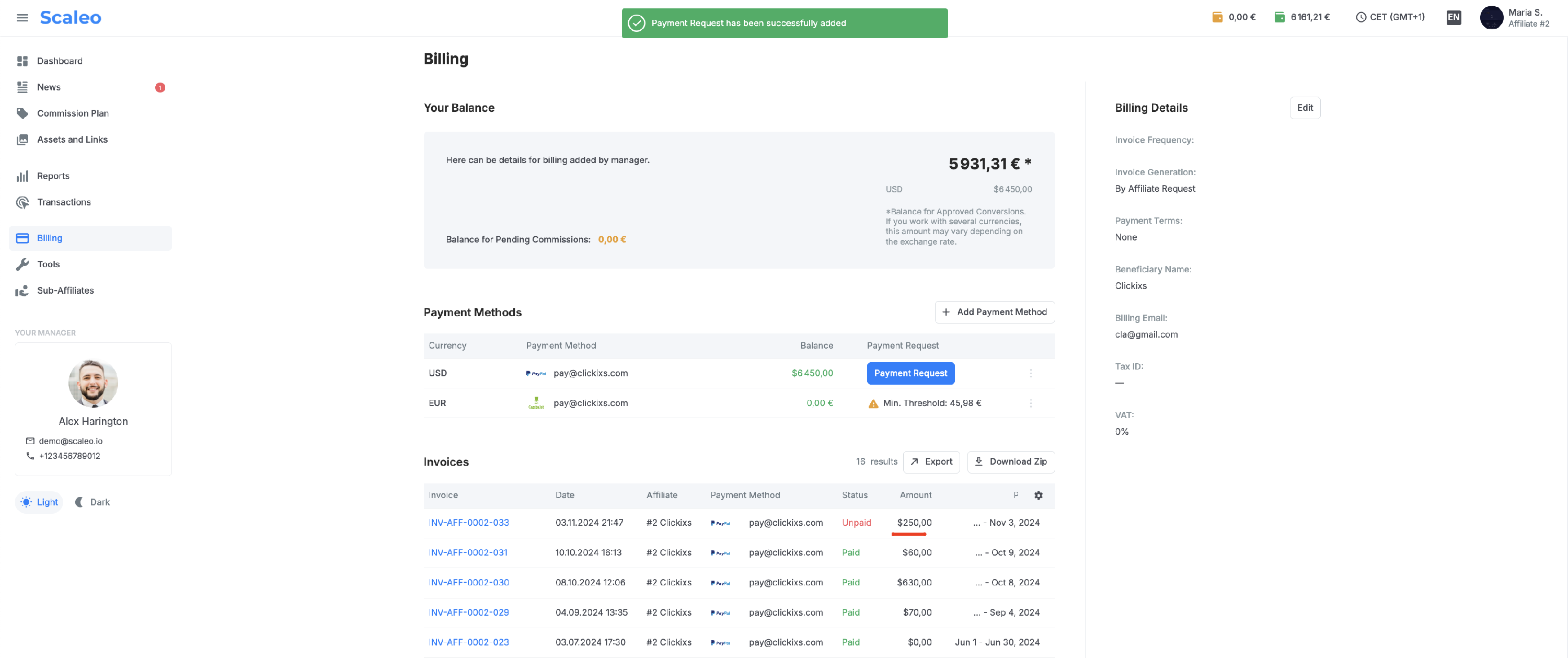
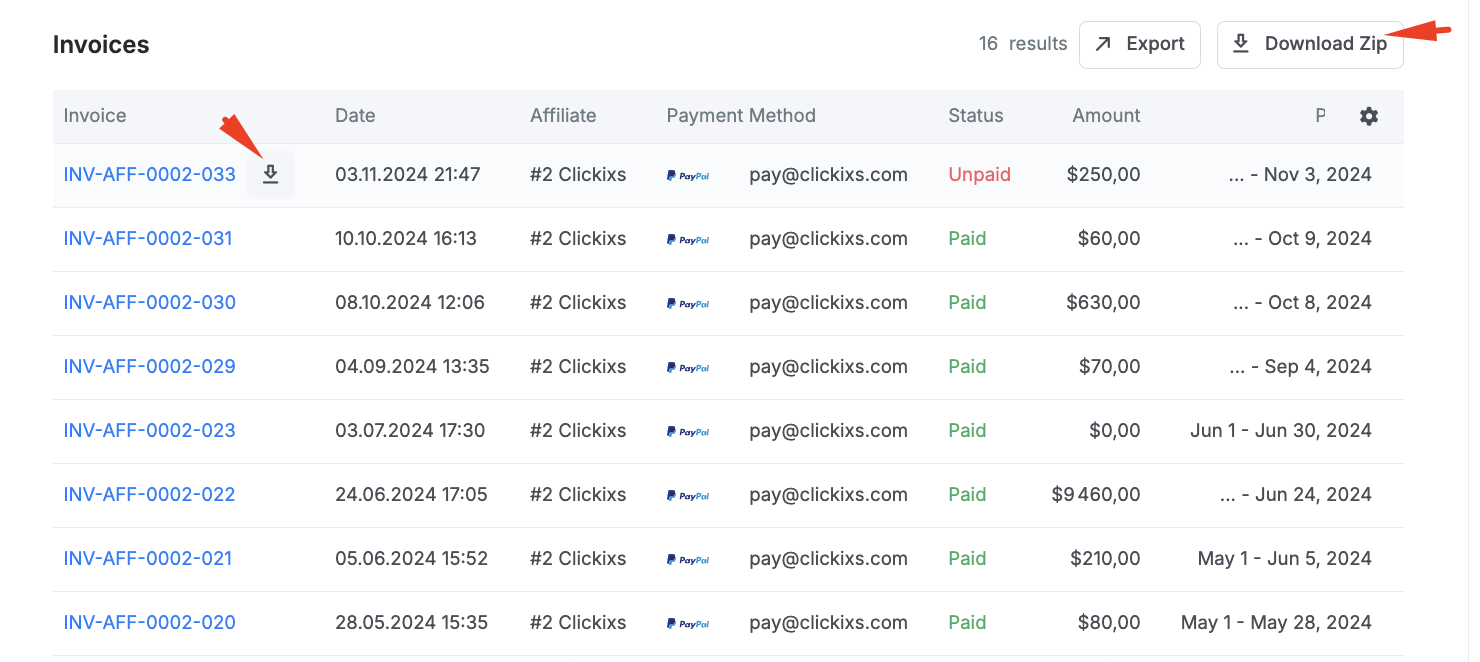
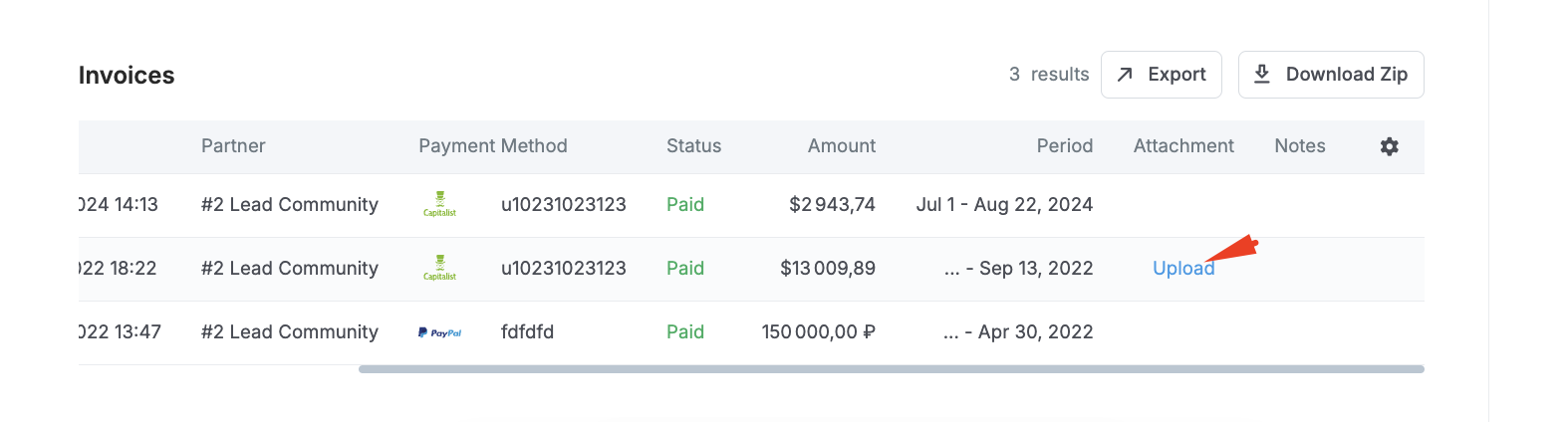
Invoices – This block shows all affiliate invoices with their current status, whether "Paid" or "Unpaid". Affiliates can download individual invoices or all invoices in a single archive. Additional information or attachments can also be uploaded for a specific invoice here.
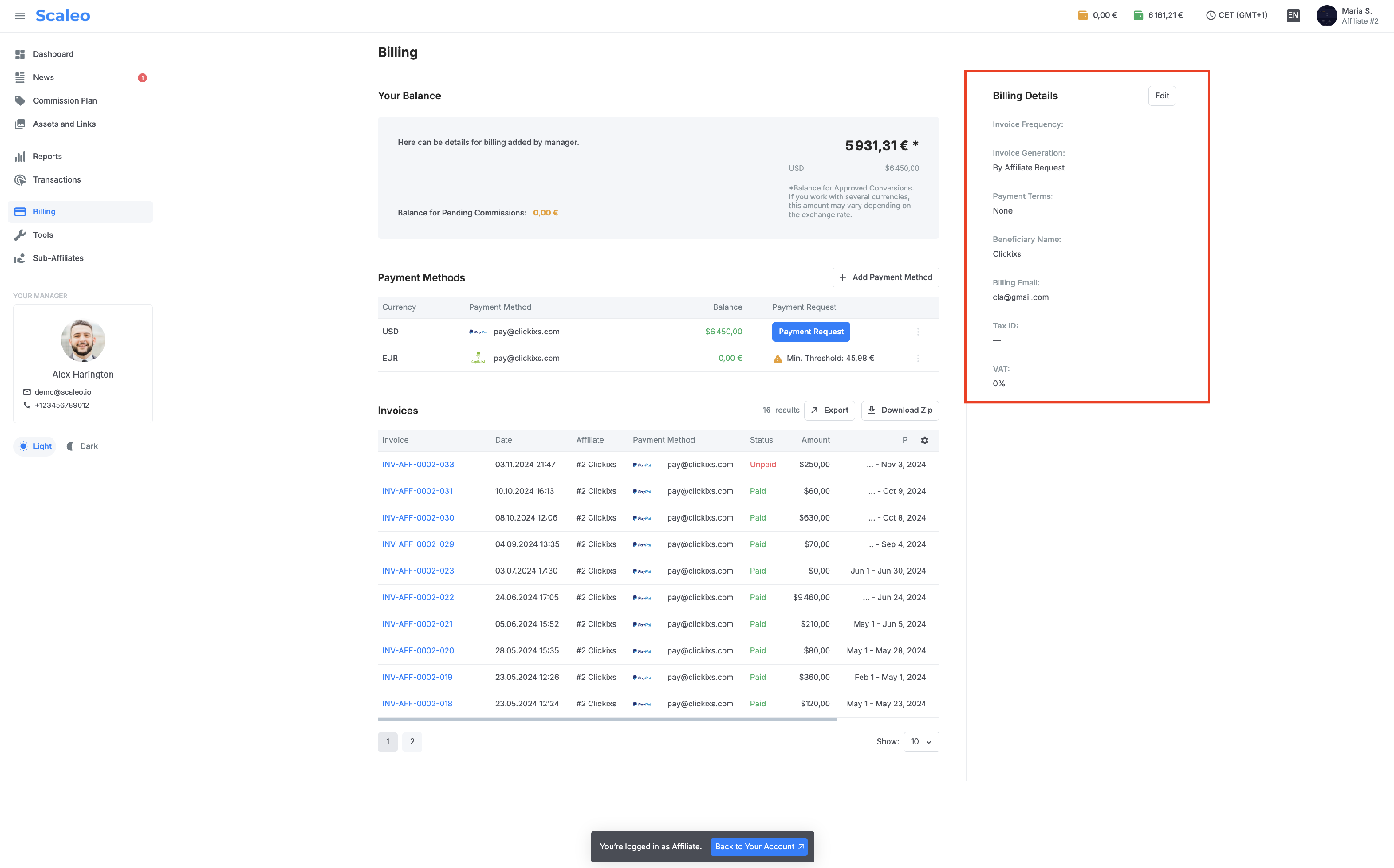
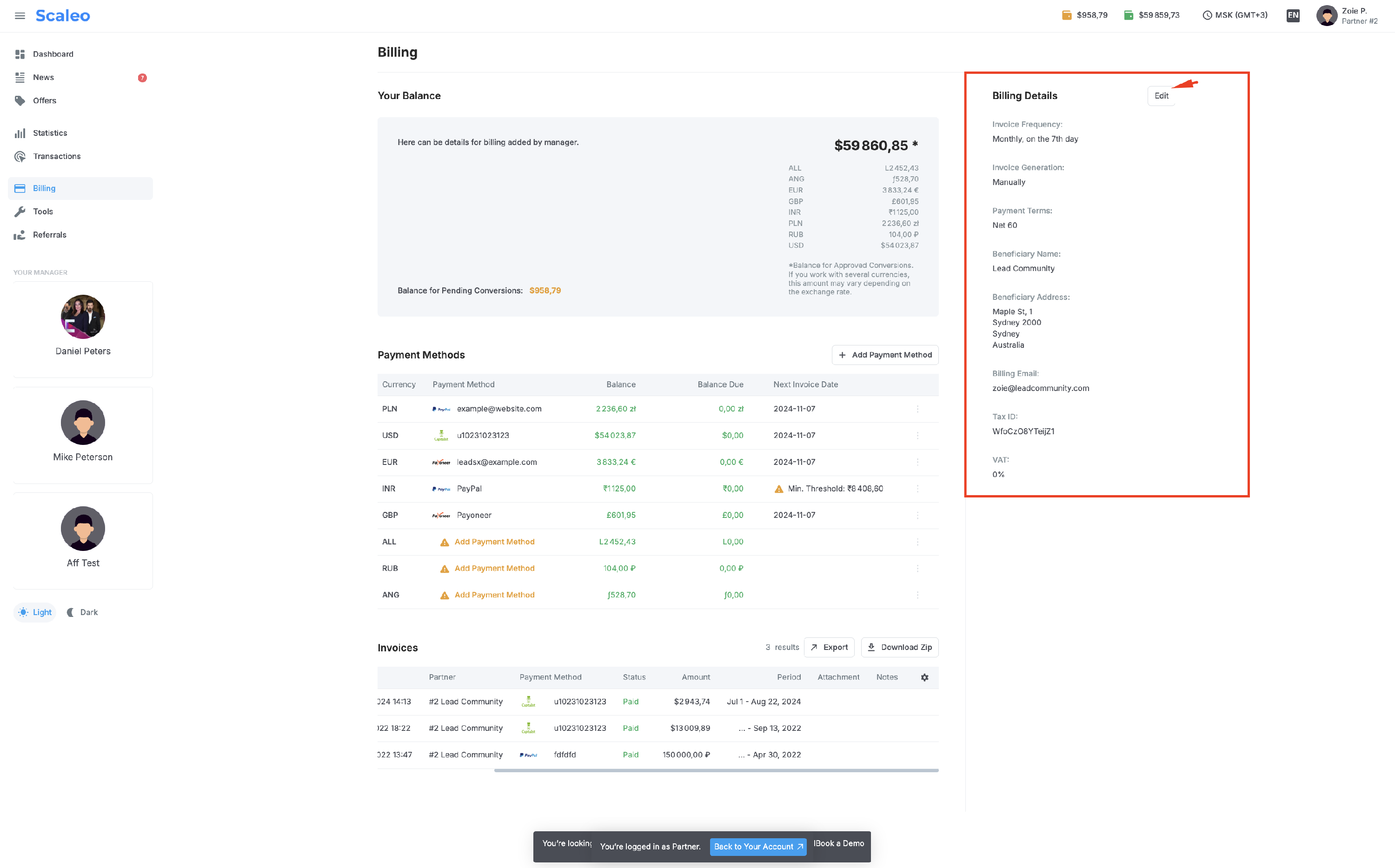
Billing Details – This section includes supplementary information for invoices. Fields such as Invoice Frequency, Invoice Generation, and Payment Terms are informational, with the Invoice Generation field being particularly important as it determines if the affiliate can request withdrawals themselves or if withdrawals are handled exclusively by management (displayed as "By Affiliate Request" or "Manually"). Fields like Beneficiary Name, Beneficiary Address, Billing Email, Tax ID, and VAT are optional but may be required by the bank during invoice payment, so affiliates should consider completing them.