Multi-Currency in Commission Plans
Multi-Currency Commissions lets you set up each Commission Plan in the currency that works best for your partners — independently of your brand currency. Partners see stable, predictable commission values, and you no longer need to manually adjust thresholds when exchange rates move.
Why this matters
If your brand currency is EUR but some partners prefer GBP or USD — this feature is for them. You set each Commission Plan in the currency your partner works in, and that's the currency they get paid in.
No more rate fluctuations affecting whether a player qualifies. No more manually recalculating thresholds every time the market moves.
How events are stored
When this feature is enabled, player events — deposits, withdrawals, and other activity — are stored in the currency they arrive in. There's no conversion at the point of ingestion.
This means that when a Commission Plan is set to EUR, a player deposit in EUR is checked against an EUR threshold directly — no conversion, no rate dependency.
If an event arrives without a currency, the brand currency is used as a fallback.
Turning the feature on or off doesn't affect historical data.
Setting up Commission Plan currency
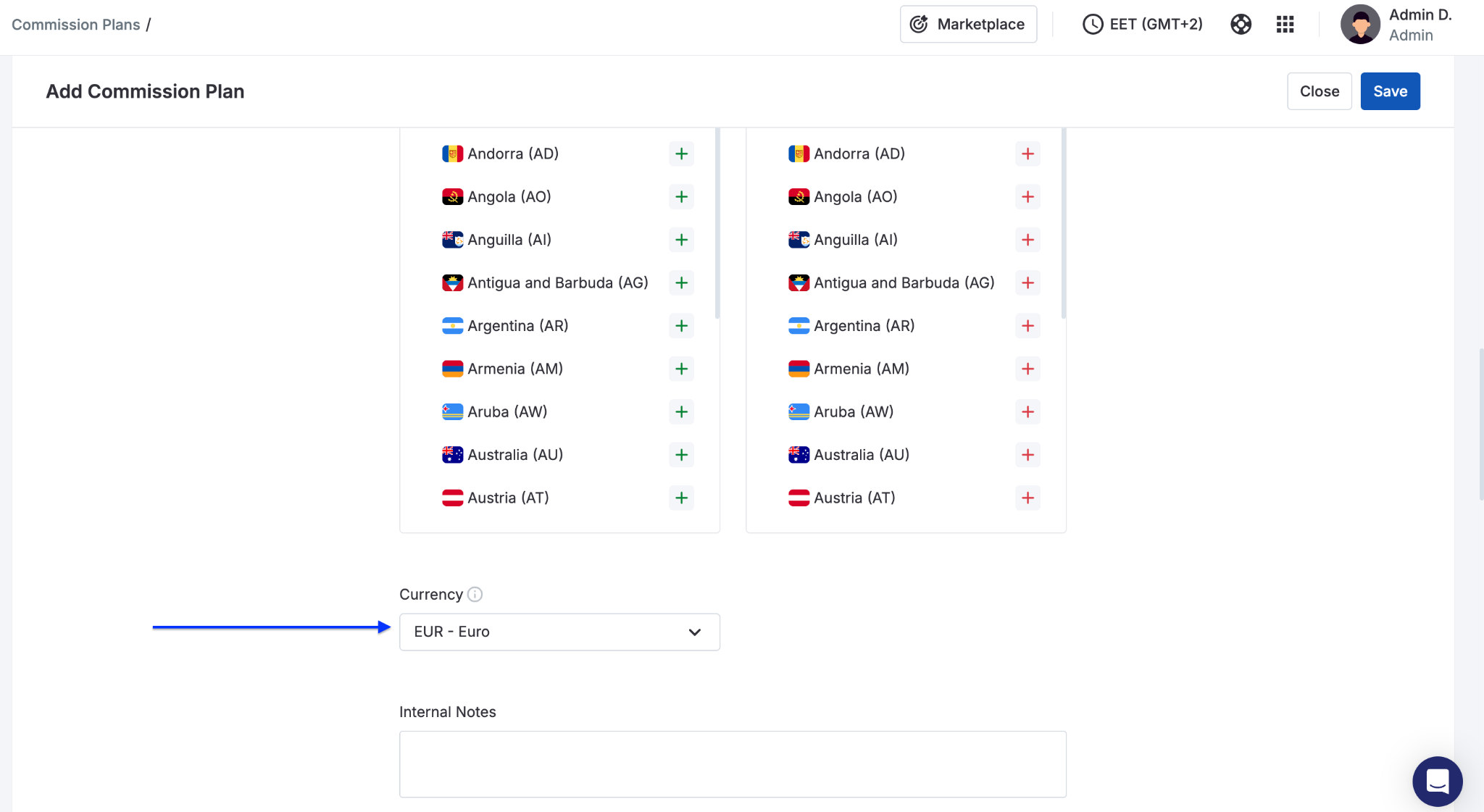
When Multi-Currency Commissions is enabled on your platform, you'll see a Currency field in the Advanced Settings of any Commission Plan.
- Go to Commission Plans → Add / Edit → Advanced Settings
- Select the currency for this plan
- All thresholds and commission amounts in this plan will be set and displayed in that currency
The currency applies to all commission types — CPA, RevShare, CPL, CPC, Flat Fee, Progressive CPA, and qualification thresholds.
Your existing Commission Plans are automatically assigned the brand currency when the feature is activated — no manual migration needed.
What partners see
In the Affiliate Portal, partners see all commission amounts and qualification thresholds in the Commission Plan currency. The currency is clearly shown next to each value, so there's no confusion about what applies.
Reports
Reports work exactly as before — nothing has changed here. You can view any report in the currency of your choice. All monetary values are displayed using today's exchange rate, converted from the original event currency at display time.
API
The Commission Plans API includes a currency field so you can read and work with Commission Plan currencies programmatically.
How to get this feature
Multi-Currency Commissions is enabled per platform. If it's not yet active on your account, reach out to your Scaleo success manager or contact support.
FAQ
Will my existing Commission Plans change when the feature is enabled? No. All existing plans are automatically assigned your brand currency. Everything continues to work as before — no changes needed on your end.
Does historical data change? No. Only new events recorded after the feature is enabled are stored in native currency. Historical data is not affected.
Can I use a different currency for each Commission Plan? Yes. Each plan has its own currency setting. You can run plans in EUR, USD, GBP, or any other active currency at the same time.
What if a player deposit arrives without a currency? The brand currency is used as a fallback — same as the previous behavior.